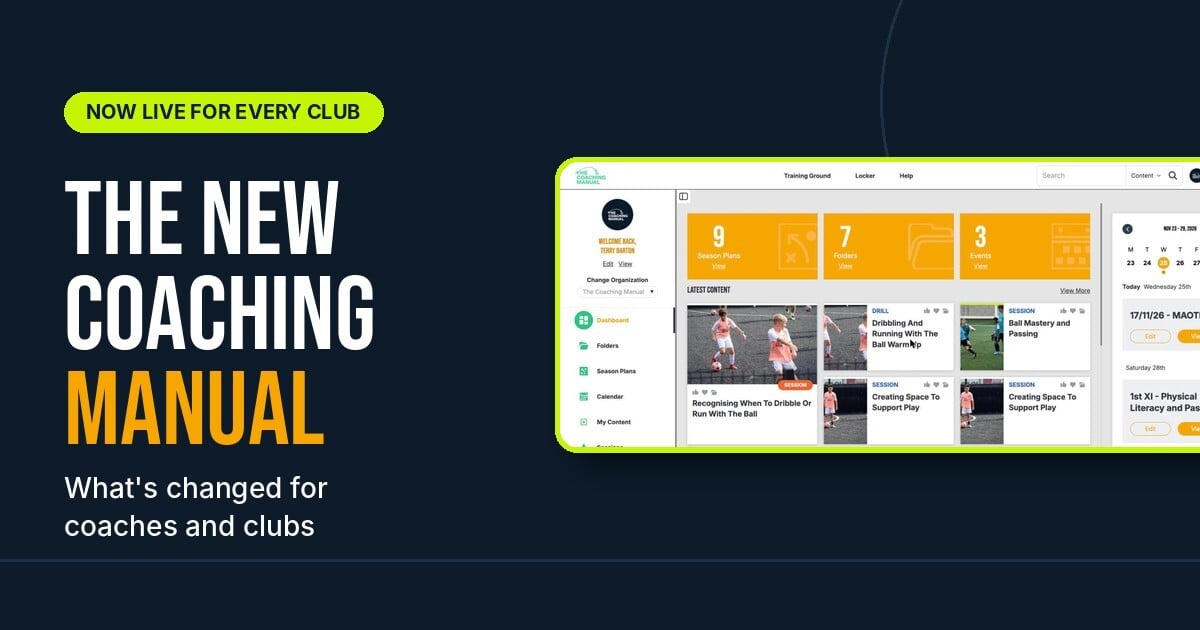
The new Coaching Manual is live for every club. It's our first full rebuild since 2020, four years in the making, and most of what's changed came from coaches and club admins telling us what got in their way.
Some of the work you won't see: a new database and a new code base, which means we can now fix and improve things in days rather than months. The rest you'll notice the first time you log in. Here's what's new, and what it means whether you coach one team or run a whole club.
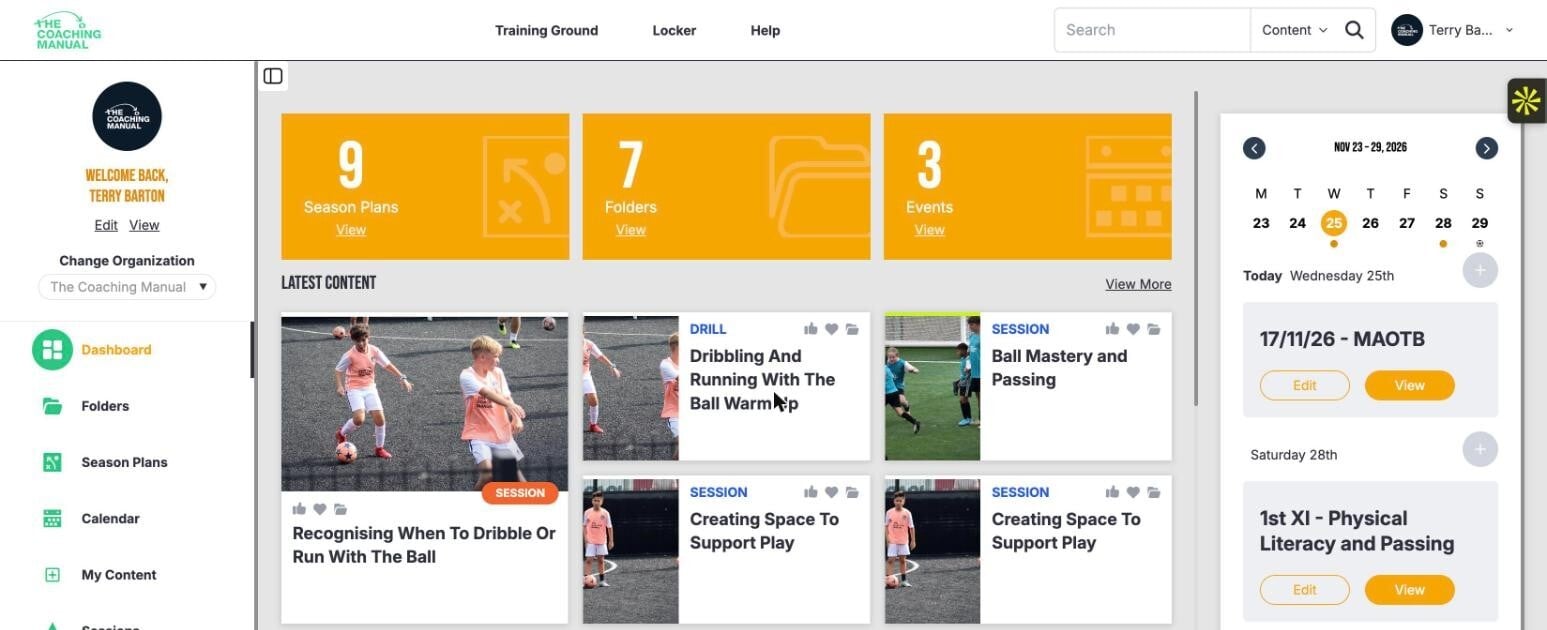
The Locker: your week on one screen
The Locker is your new home screen. Your season plans, folders and events sit at the top, the latest sessions and partner content in the middle, and your week on the right, starting from today. You can even recolour it in your club's colours.
Content for the age group you coach
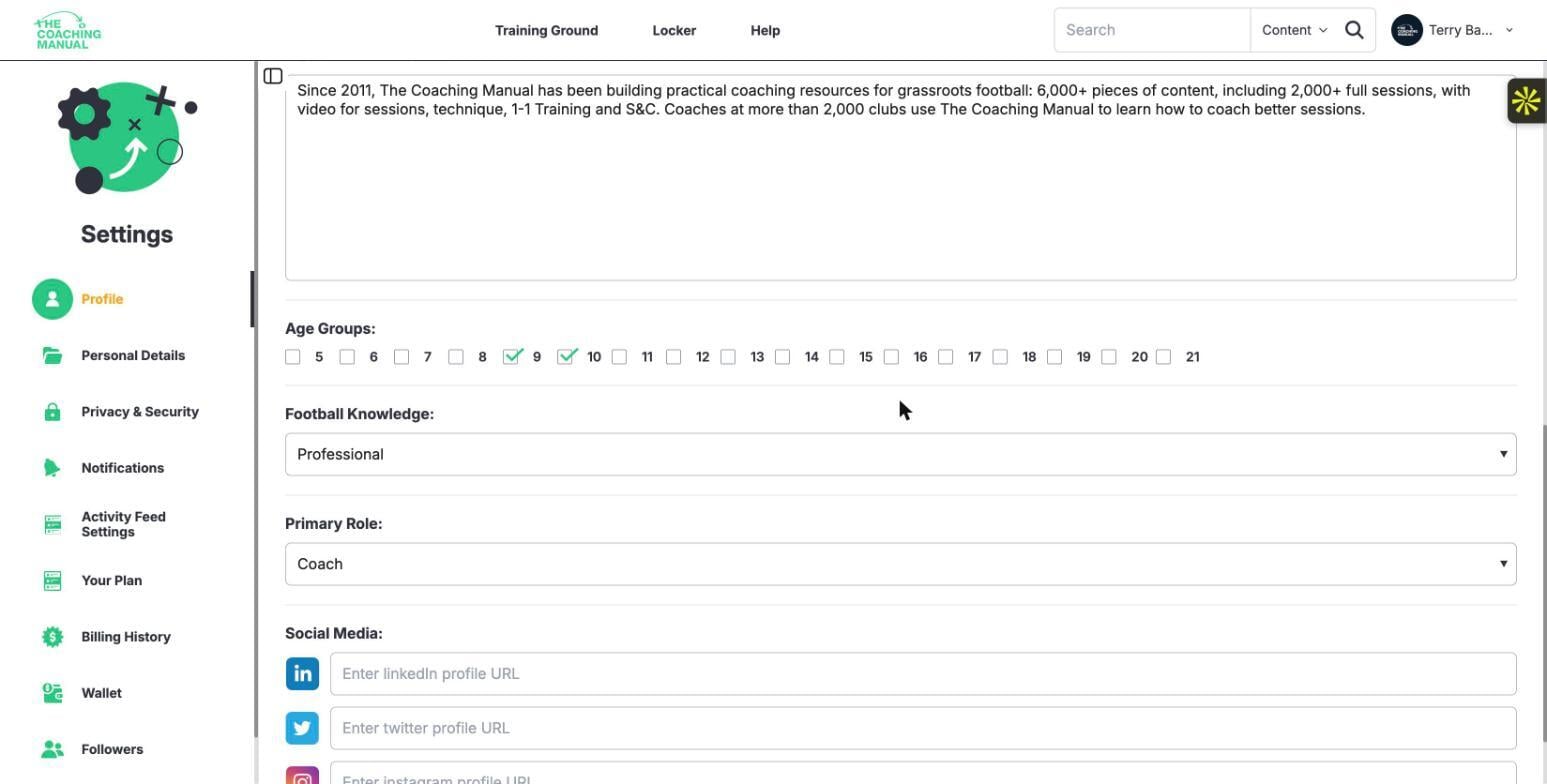
Add your age groups to your profile
Tell the platform which age groups you coach and your level of football knowledge. The Training Ground and search then put content for those ages first, so a U10 coach sees U10 practices and sessions, not a U16 pressing session.
Search that finds what you need
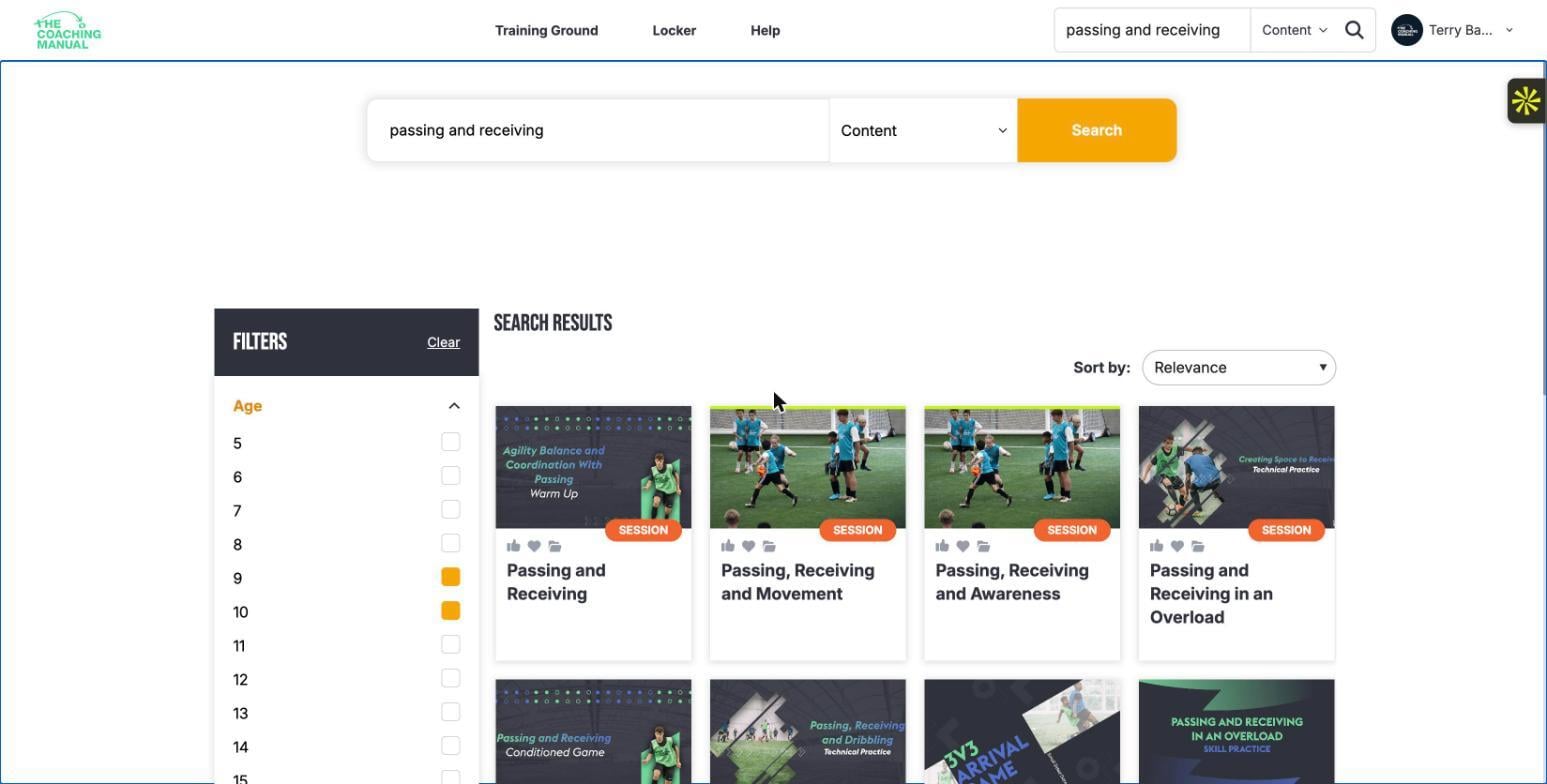
Search a topic, such as passing and receiving, and the results come back filtered to your age groups. Narrow them further by age, by content type or to content with video.
Plan the season, then the week
Season plans you can edit
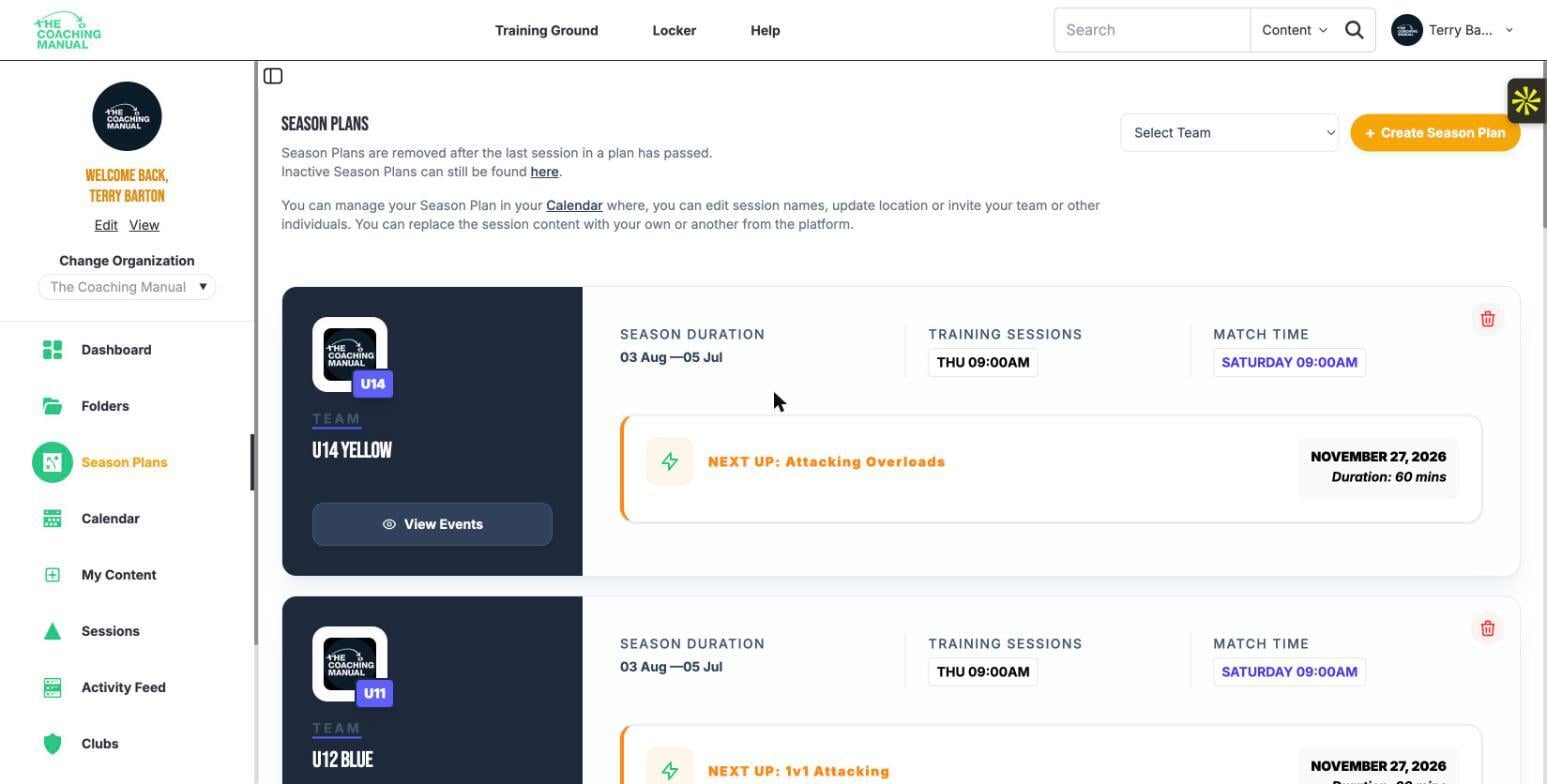
Choose the team, the dates, your training days and match day, and a season plan fills your calendar with sessions for that age group. You can now edit any of it: move a time or date, change who's invited, or swap a session for one of your own or another from the library.
Calendar invites to individuals and teams
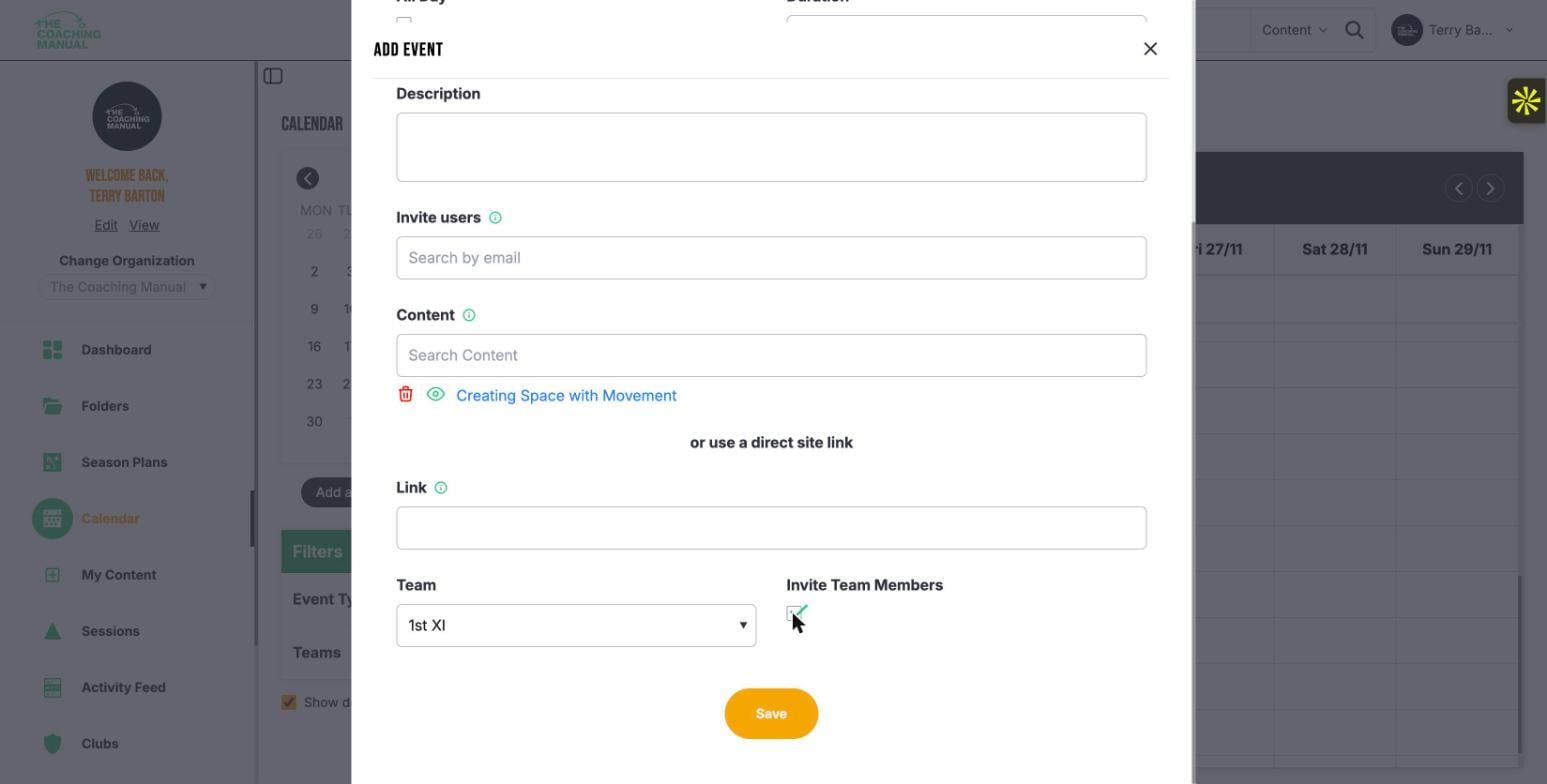
The calendar works like the one on your phone. Add a training session, match day, meeting or deadline, then invite people by email or tick a box to invite your whole team.
Add a session to your calendar
Attach any session from the library to an event, so it's there on the night with the diagrams, coaching points and video, and everyone you've invited can open it.
Sessions with more than four activities
The four-activity limit has gone. Add a fifth, sixth or more, so a 90-minute session fits in one plan instead of two.
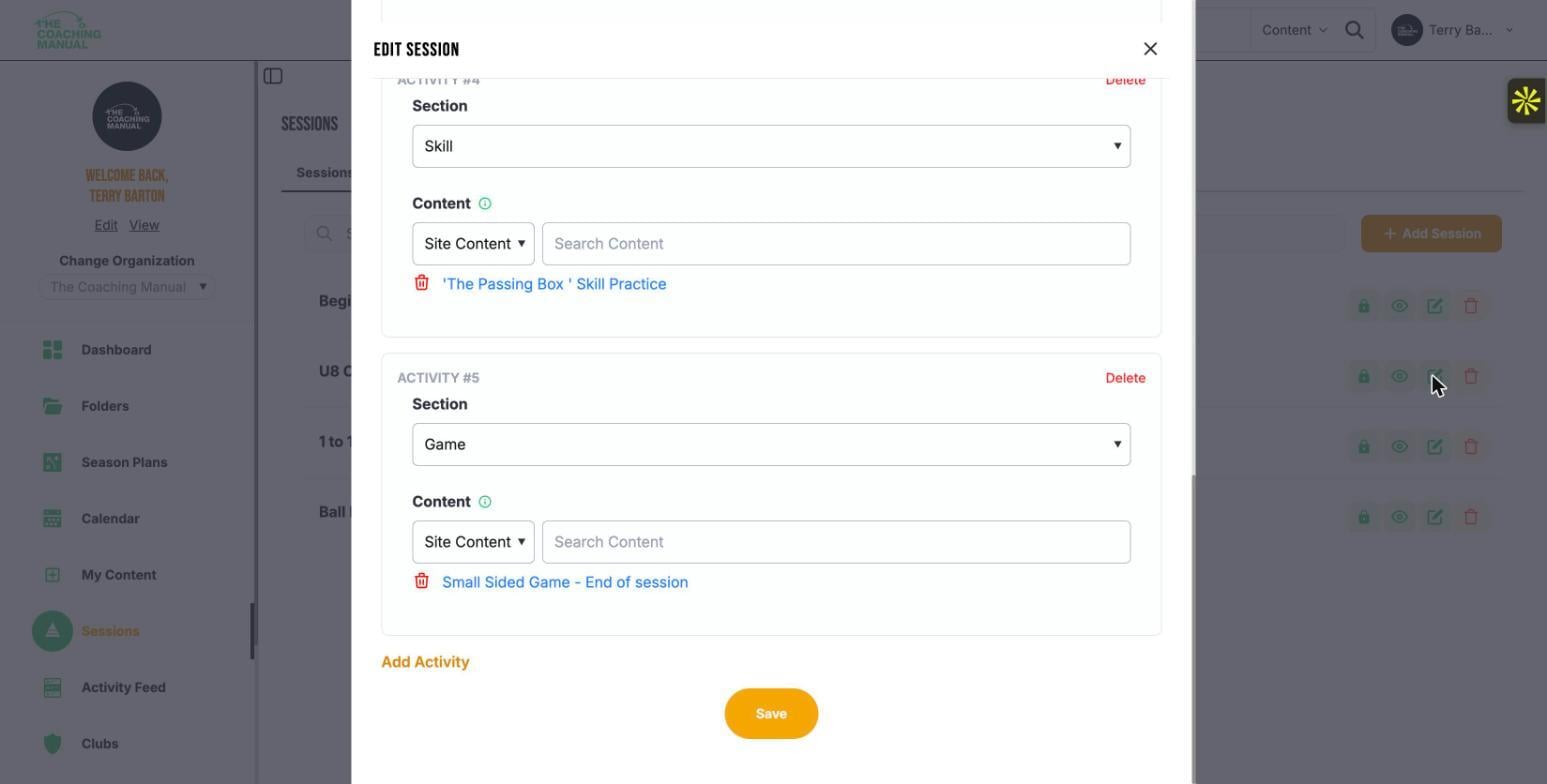
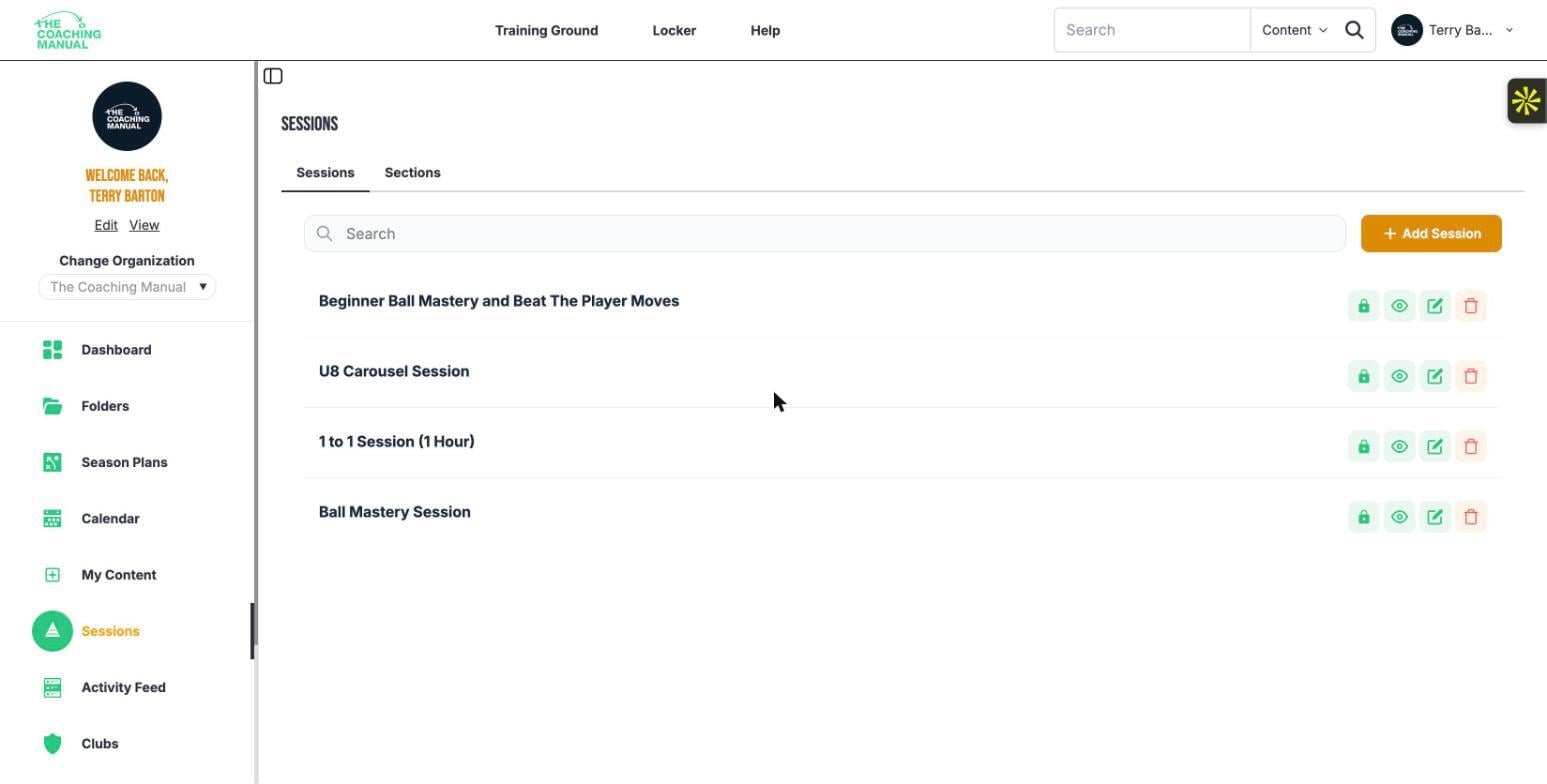
Share what works, keep the rest private
Every session and practice you create can be public or private. Public content shows on your profile for other coaches to find. Private content is just for you, so you can work on a session until it's ready.
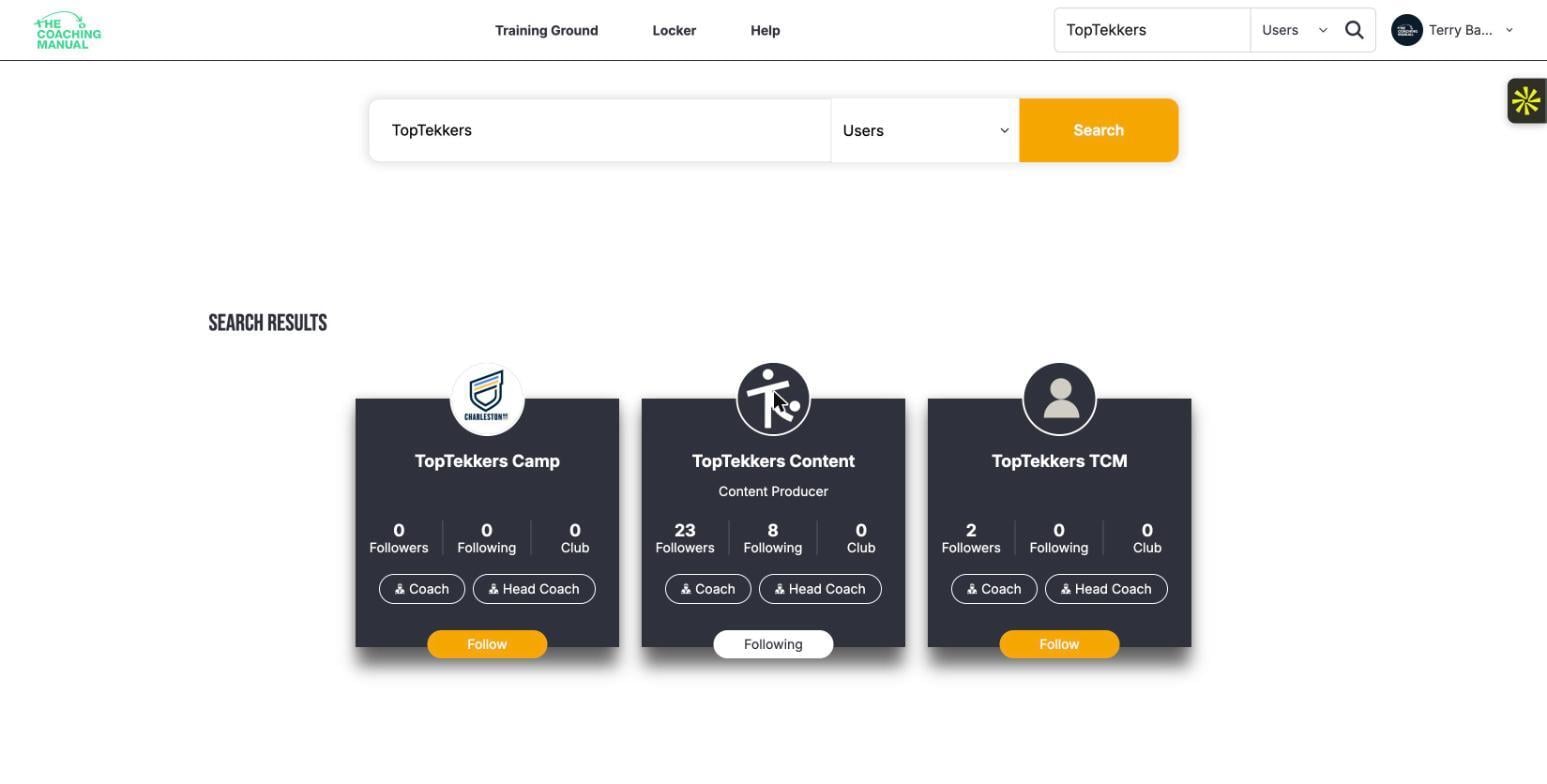
Follow coaches and clubs
Search for coaches and clubs, follow them, and see what they're creating and viewing in your activity feed. Following now works properly, and you can see who follows you.
Club profiles show a club's teams, the content it publishes and what its coaches are working on, with a form to get in touch.
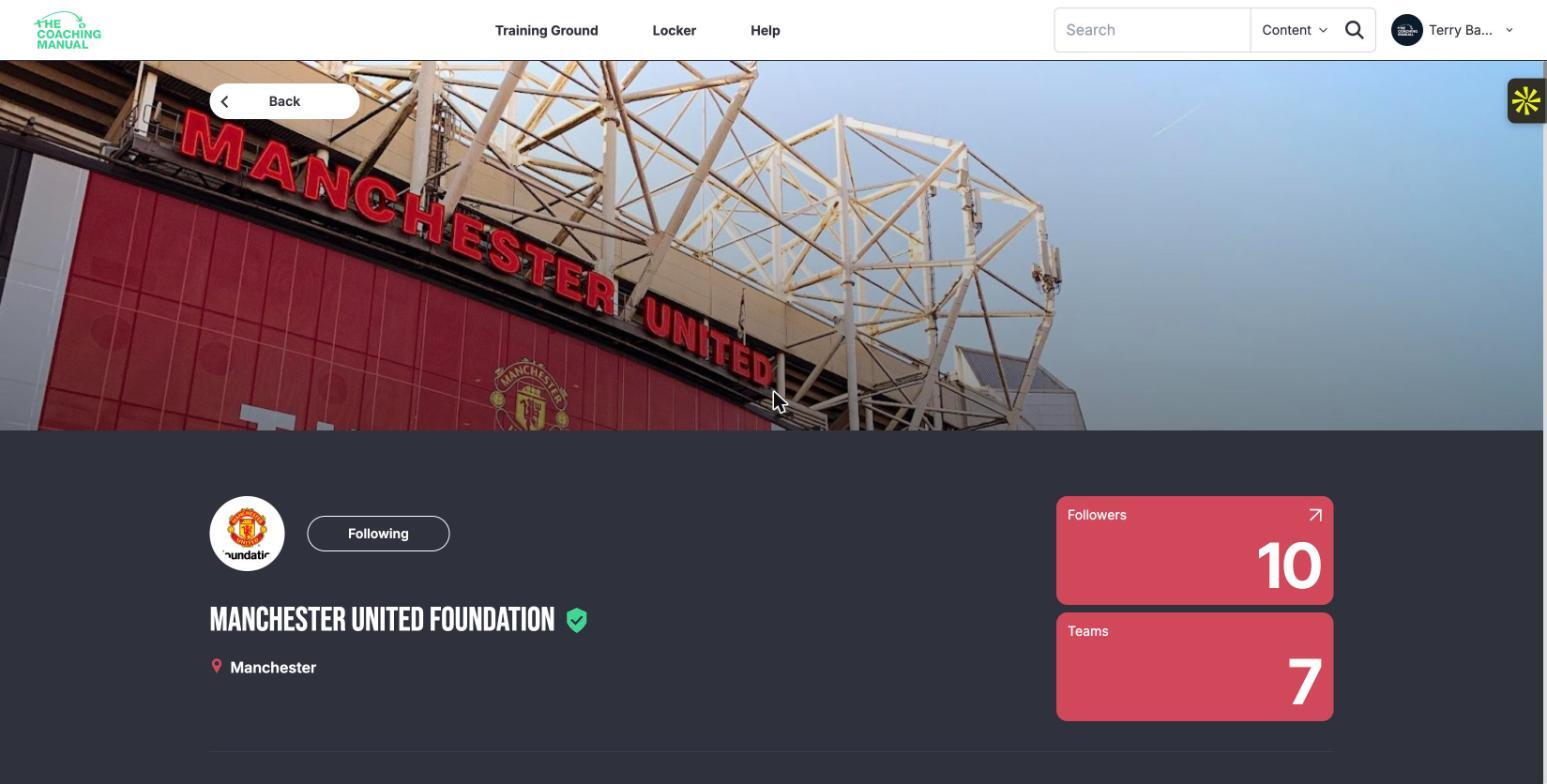
Partner content from professional clubs
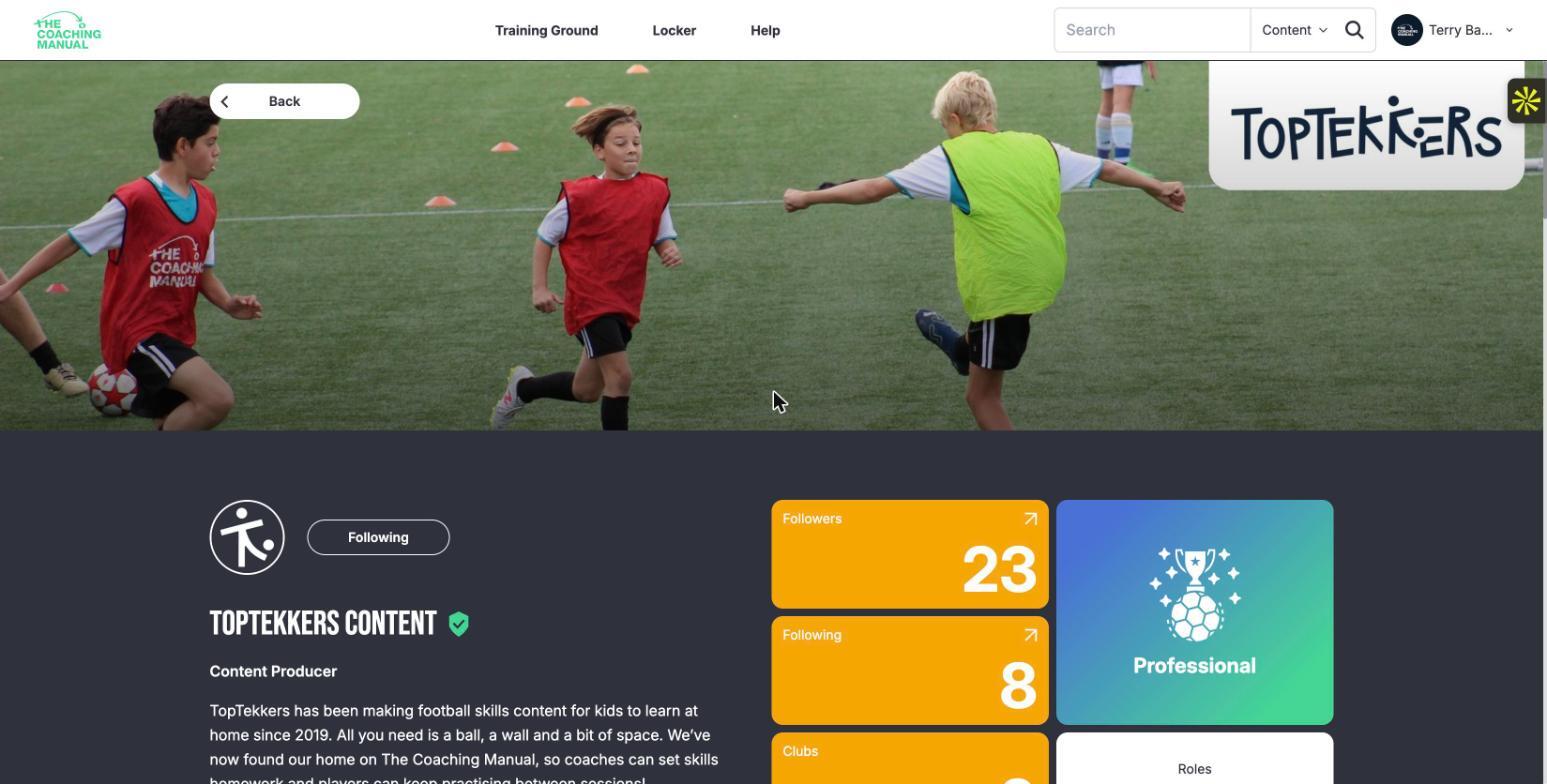
The new platform opens up content from our partners. The Manchester United Foundation's sessions are on there now, and TopTekkers, the player skills app, has moved its technique videos onto The Coaching Manual, so coaches can set skills homework and players can keep practising between sessions. More partner content will follow over the coming months.
Notifications you control
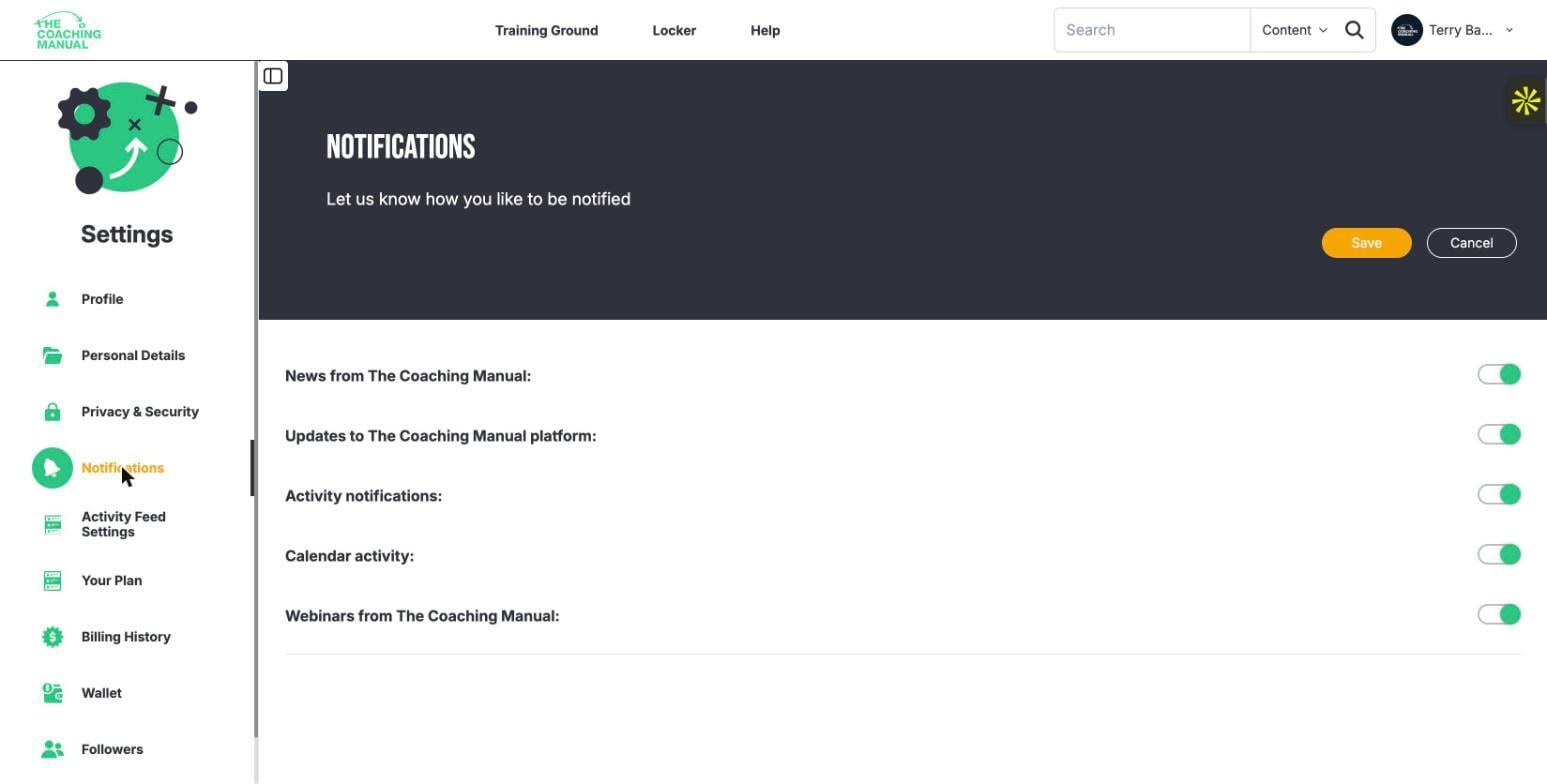
Choose what reaches you: news, platform updates, activity from people you follow, and calendar activity such as invites. Switch any of them off in your settings.
Club admins are now users too
Club admin accounts used to be for admin only. Now the same login can plan sessions, follow coaches and use the calendar, so the person running the club can coach as well, and switch between clubs from the Locker.
What it means for coaches and for clubs
| Feature | For coaches | For clubs |
|---|---|---|
| Age groups and search | Sessions for your age group come first, so planning takes minutes | Volunteers find age-appropriate content without being told where to look |
| Editable season plans | A season of sessions, changed when your week changes | Every team has a plan, and the club can see it |
| Calendar invites | Training, matches and meetings in one place, with the session attached | Invite a team or every coach to a CPD night in one go, and keep a calendar of all the club's training |
| More than four activities | A 90-minute session fits in one plan | Full sessions for older age groups are recorded properly |
| Public or private | Share what works, keep drafts to yourself | Your best sessions become examples every coach at the club can see |
| Follow and activity feed | Learn from coaches you rate | See what coaches are working on without chasing them |
| Partner content | Sessions from the Manchester United Foundation and TopTekkers skills videos | Professional club content behind your club's curriculum |
| Notifications | You choose what reaches you | Invites and updates get seen |
| Club admins as users | One login to coach and to run the club | Admins can plan, coach and follow from the same account |
Who to follow first
- Manchester United Foundation: Street Reds sessions and primary school lessons from the foundation's coaches.
- TopTekkers Content: technique videos and challenges players can practise at home with a ball, a wall and a bit of space. The skills in our football skills Advent Calendar come from here.
- Chris Barton: TCM co-director and UEFA B coach. His latest is a centre-back practice to go with The Lost Basics of the Modern Centre-Half.
Get started in five minutes
- Add your age groups to your profile, so the Training Ground shows you the right content first.
- Follow three accounts, starting with the ones above.
- Put your next session in the calendar and invite your team.
- Club admins: invite your coaches to your next coaches' meeting from the calendar.
New to the platform? The coach set-up page takes you through it.
FAQ
Is the new Coaching Manual available to every club?
Yes. The new platform is live for every club and coach now.
How do I see sessions for the age group I coach?
Add your age groups in your profile settings. The Training Ground and search then show content for those ages first.
Can a session have more than four activities?
Yes. The four-activity limit has gone, so you can add as many activities as the session needs.
Can I keep my sessions private?
Yes. Every session and practice can be set to public or private. Private content is visible only to you.
Can I send calendar invites to my team?
Yes. Add an event to your calendar, attach a session if you want, and invite individuals by email or your whole team at once.
Running a club? See what the new platform does for clubs →
Coaching a team? Browse free coaching sessions →